.png)
How do I cancel my JSHealth 360 Subscription?Updated a month ago
We are sorry to see you go!
We recommend any changes to your subscription are made at least 3 days in advance of it processing to avoid any disappointment.
To do this, Watch how or follow the instructions here:
Navigate to your account
 Sign in

Choose ‘your subscriptions'

This will take you to your subscription page where you can fully manage your account
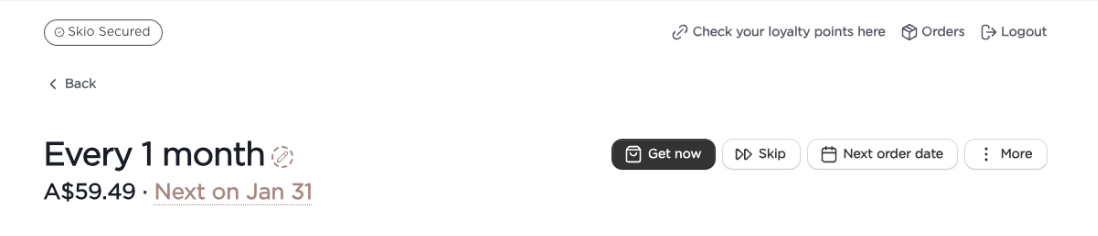
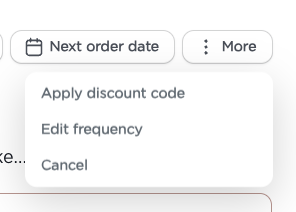
Navigate to More > cancel
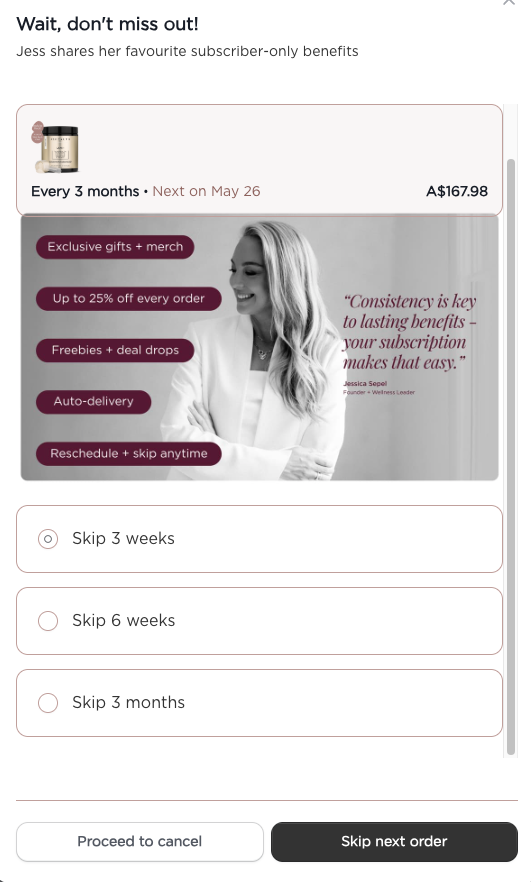
Decide to Skip or Proceed to Cancel
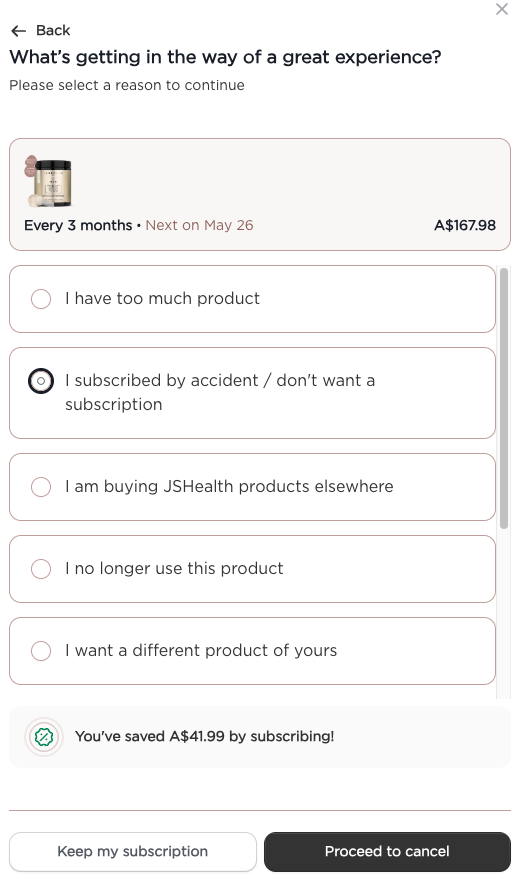
Tell us why you have decided to cancel > continue
Decide to claim a discount or Proceed to Cancel
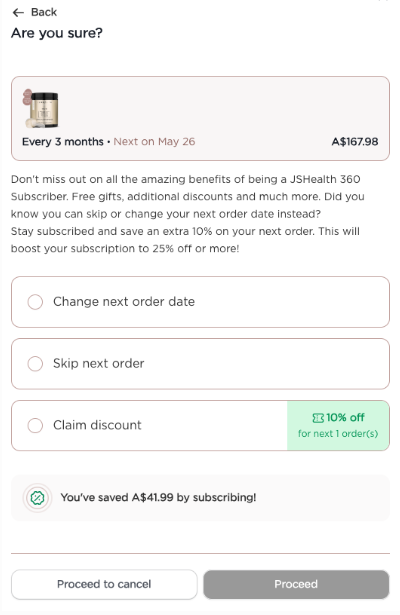
Let us know you are sure > proceed to cancel
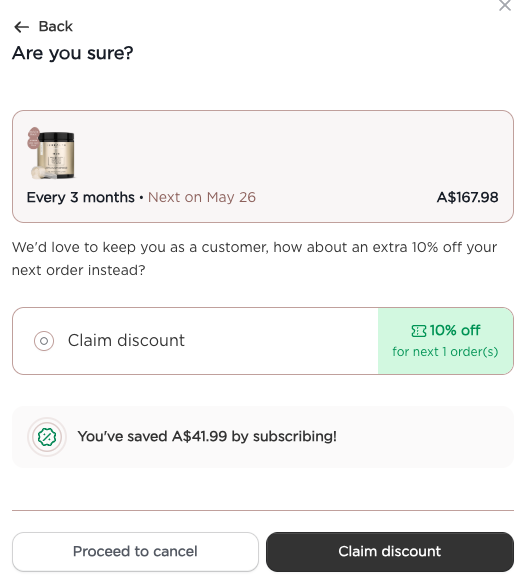
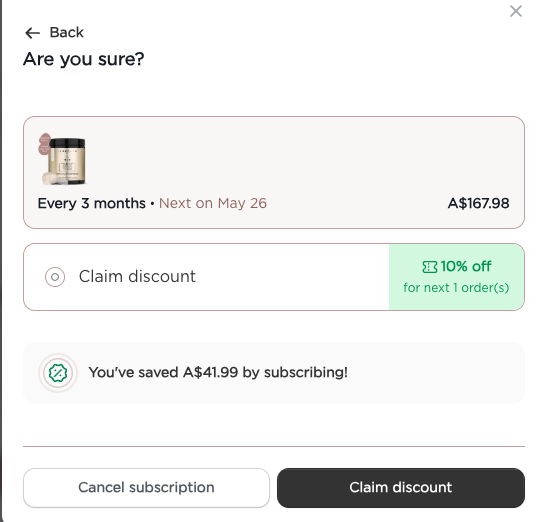
We will check with you 1 more time! If you are still sure you want to cancel, select > Cancel Subscription > Cancel now

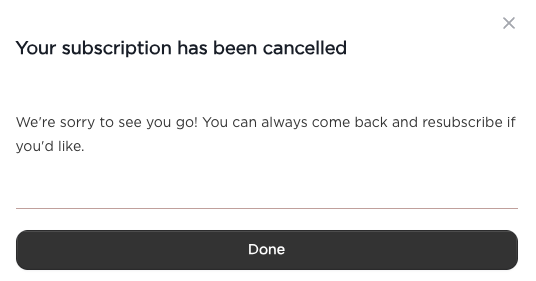
That is is, your subscription has been cancelled. We are sorry to see you go and would love to see you back soon!